
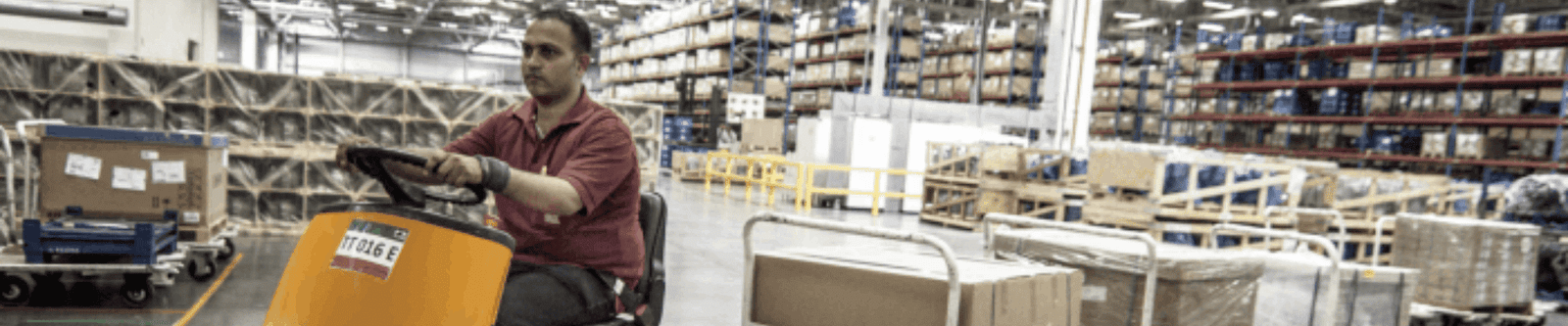
Shipping operations
Create parcels, move freight, manage returns
Prepare a single parcel with standard pickup or drop-off instructions, coordinate palletized and oversized consignments, or start a return from one place. Each option below opens the matching shipping workflow.
Shipping tools
Choose the workflow you need
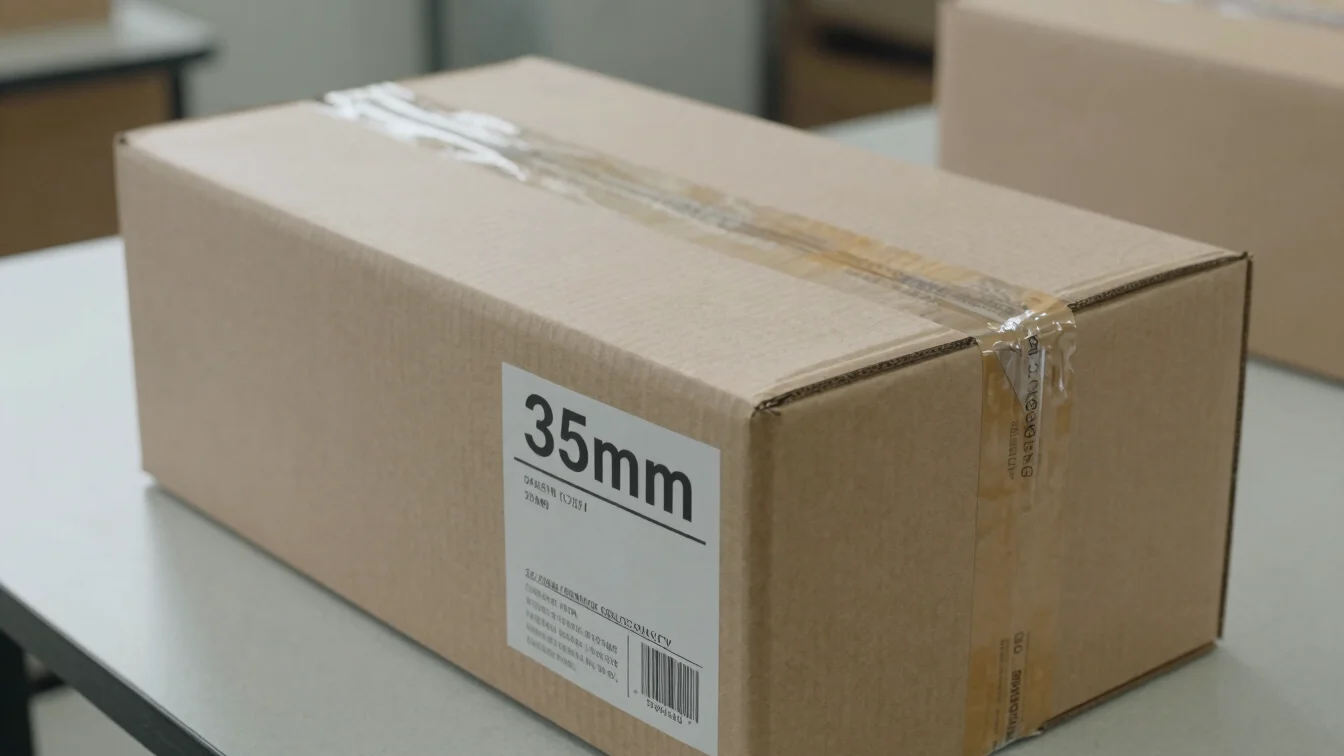
Create a shipment
Set up a single parcel with sender and receiver details, then choose standard pickup or drop-off dispatch.
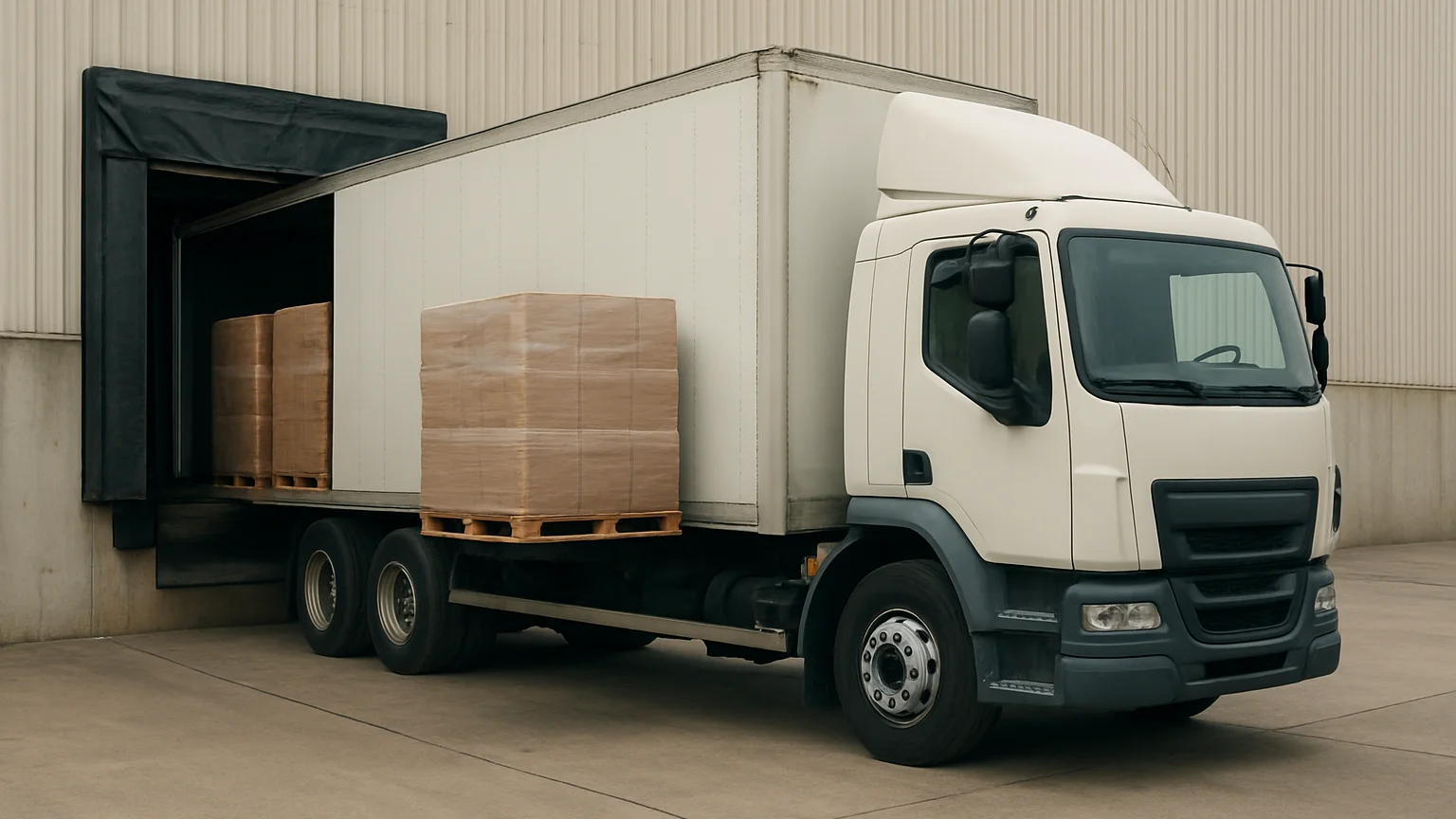
Freight
Coordinate transit for oversized or palletized consignments that need dedicated freight handling.
Manage a return
Generate a return label and find designated carrier drop-off guidance for your package.
Returns protocol
Return a package in four steps
Follow this sequence to send a parcel back. Keep the original shipment reference nearby while you complete each step.
01 Repackage the item
Place the item in a sturdy carton with protective padding so it arrives undamaged.
02 Print the return label
Generate the return label from the manage a return workflow and attach it firmly to the outside of the carton.
03 Confirm the drop-off
Take the labeled package to a designated carrier drop-off location listed in the return instructions.
04 Track the return
Use your tracking ID to follow the latest available status of the returned shipment.